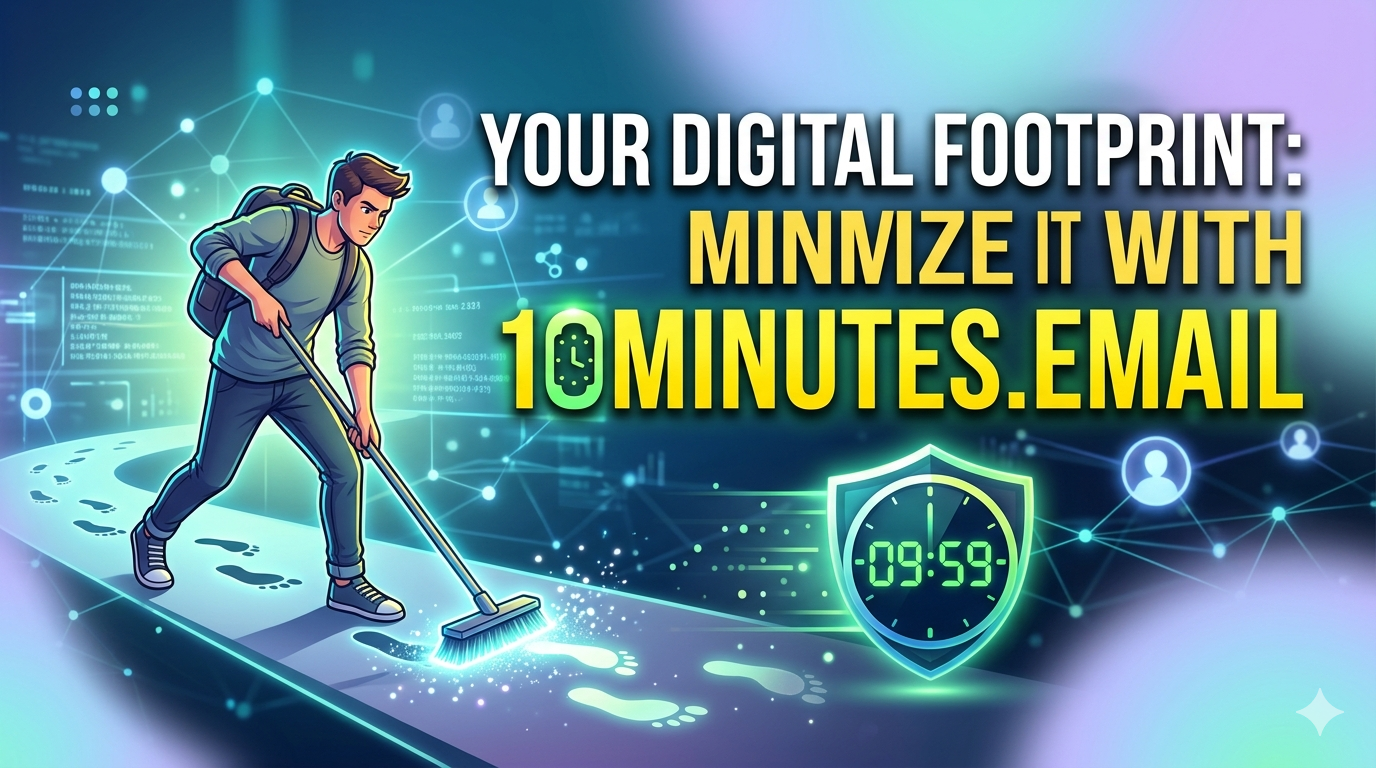
Every time you sign up for a free trial, download a PDF guide, or register for a webinar — somewhere on a server, a new row gets added to a database with your name, your email address, your IP, and your device fingerprint. You never asked for a permanent relationship. You just wanted the thing. But the internet had other plans.
This is your digital footprint. And for most people, it's far larger, far messier, and far more exposed than they realize.
The good news? You don't need to become a tech hermit to fix it. A handful of smart habits — starting with something as simple as using a disposable email for casual signups — can dramatically shrink your exposure online. This article walks you through ten practical, actionable strategies to minimize your digital footprint, with a close look at why 10Minutes.Email deserves a permanent spot in your privacy toolkit.
First, Understand What a Digital Footprint Actually Is
Your digital footprint is every trace of data you leave behind through your online activity. It has two layers:
Active footprint — things you deliberately put out there. Social media posts, form submissions, purchases, comments, uploaded photos.
Passive footprint — things collected without you actively doing anything. Browser cookies, IP address logs, device tracking, behavioral analytics that record what you clicked, how long you hovered, and what you almost bought.
Together, these two layers build a surprisingly detailed profile of who you are — one that advertisers, data brokers, marketers, and occasionally malicious actors can access, purchase, or exploit.
The scary part? Most of the data trail isn't created by some shadowy hacker. It's created by you — through normal everyday actions like subscribing to a newsletter or downloading a recipe PDF. Each little action feels insignificant. But they compound.
The goal isn't zero footprint — that's both unrealistic and unnecessary. The goal is a controlled footprint. You decide what data exists, where it goes, and who can use it. Here's how to get there.
1. Stop Treating Your Real Email Like a Business Card
Your primary email address is the single most overused piece of personal data on the internet. Every time you hand it over to a website, you're opening a direct line of communication that you may not be able to close again easily.
Think about the last 30 days. How many places did you give your email in exchange for something — a discount, a download, a free account? Now ask yourself: how many of those relationships do you actually want?
The answer for most people is: very few.
The fix is to stop using your real email for one-off interactions and start using a throwaway address instead. Tools like 10Minutes.Email generate a temporary inbox in seconds. You get a working email address that receives messages for a short window, you verify the account or grab whatever you came for, and then it's gone. No data trail, no future spam, no relationship you didn't sign up for.
It costs you nothing. It takes five seconds. And it immediately starts shrinking your footprint.
2. Audit the Subscriptions You Already Have
Most people are subscribed to 40–70 email lists and have no idea. If you've had the same email address for five or more years, your inbox is probably the digital equivalent of a storage unit — full of things you forgot you acquired.
Set aside an hour (or a few sessions if the inbox is massive) and do this:
Search your inbox for "unsubscribe" — every result is a subscription you once agreed to
Go through them systematically: keep what you actually read, unsubscribe from everything else
For lists that don't offer a clean unsubscribe option, mark them as spam
Once you've cleaned house, make a rule: any future newsletter or marketing email gets a throwaway address. Your real inbox becomes a carefully curated space for contacts and services that genuinely matter.
3. Never Use Your Real Email for Free Trials
Free trials are one of the biggest sources of unsolicited data collection on the internet. The entire business model depends on you forgetting to cancel — and on retargeting you endlessly with marketing emails if you do cancel.
The moment you enter your real email for a free trial, you've agreed to a data relationship that may outlast the trial by years. Even if you cancel on day one, you're often still in that company's email list and CRM. And that list sometimes gets sold.
For every free trial, use a disposable email. Verify the account, use the service, and when the trial ends, there's nothing left to chase you.
4. Be Ruthless About App Permissions
Every app you install on your phone asks for permissions. Some are essential — a camera app needs camera access. But many requests are far beyond what the app actually needs to function.
Go to your phone's settings right now and review app permissions for:
Location access (should be "while using" at most, never "always" for non-navigation apps)
Contacts (does a flashlight app need your contacts?)
Microphone and camera (does a to-do app need either?)
Background data access
The data these apps collect doesn't stay in the app. It feeds advertising networks, analytics platforms, and sometimes third-party data brokers. Limiting permissions doesn't break apps — it just removes their data collection bonus.
5. Download Resources Without Leaving a Trail
Lead magnets — the free PDFs, templates, ebooks, and toolkits that websites offer — almost always require an email address. And that email address feeds directly into an email marketing sequence.
You're not wrong for wanting the resource. The author isn't wrong for building a list. But if you want the PDF without the 12-email welcome sequence that follows, a temporary email is the right call.
Use a service like 10Minutes.Email, drop in the temporary address, grab the download link that arrives in the throwaway inbox, and you're done. You got the value. They got the signup stat. Nobody was harmed. But your real email didn't end up in another CRM.
6. Stop Logging In With Google or Facebook
"Sign in with Google" and "Sign in with Facebook" are convenient — but they're also a data-sharing handshake between two platforms. When you use social login, you're giving that third-party site permission to access portions of your social profile, and you're giving the social platform a record of every site you authenticated on.
Over time, this creates a web of connected accounts that's hard to untangle and easy to exploit. If your social account is ever compromised, everything linked to it is at risk simultaneously.
Instead, create standalone accounts with a strong password and a temporary email when appropriate. Use a password manager to handle credential complexity so you don't have to trade security for convenience.
7. Clear Cookies and Use Privacy-Focused Browsers
Every browser session accumulates cookies — small data files that track your behavior across sites. Third-party cookies in particular are how ad networks follow you around the internet, serving you the same shoe advertisement on every website you visit for two weeks.
Some quick wins:
Switch to Firefox or Brave as your primary browser (both have built-in tracker blocking)
Install uBlock Origin if you stay on Chrome
Enable "Clear cookies on close" in your browser settings
Use private/incognito mode for searches you don't want tied to your profile
None of these are technical. They're settings changes and browser installs that take 15 minutes total and have an immediate impact on passive data collection.
8. Search Privately
Google isn't a search engine. It's an advertising platform with a search engine attached. Every search you make is logged, associated with your account, and used to build the advertising profile that follows you everywhere.
DuckDuckGo and Brave Search are genuinely good alternatives now — the results quality gap has closed significantly in the last few years. Neither logs your searches or builds a behavioral profile.
Making the switch won't change how good your search results are. It will change how much data you're handing to a company whose business model is built on knowing you better than you know yourself.
9. Think Before You Post Publicly
Active footprint — the stuff you deliberately share — matters just as much as passive collection. Public posts on social media are indexed by search engines, scraped by data companies, and preserved indefinitely in archives.
Before sharing:
Is this information I'd be comfortable with my employer, a future employer, or a stranger seeing in 10 years?
Does this location check-in reveal my home, my routine, or where my kids go to school?
Am I tagging other people who might not want to be in this post?
You don't need to stop posting. You need to post with intention. Set your social accounts to private where appropriate. Audit your public posts annually and remove what no longer serves you.
10. Use Separate Accounts for Different Purposes
The final strategy is a structural one: stop routing everything through a single identity.
Consider maintaining:
A primary email for real relationships — friends, family, trusted services
A professional email for work, LinkedIn, industry communications
A shopping email for e-commerce, loyalty programs, delivery tracking
A throwaway email (via 10Minutes.Email) for everything else
This segmentation limits the blast radius if any one account is compromised. It also gives you control — if your shopping email becomes a spam nightmare, you can abandon it without affecting your real identity or your professional presence.
It sounds like more work. In practice, a password manager makes it seamless, and the payoff in reduced noise and reduced exposure is significant.
Why 10Minutes.Email Is the Easiest Win on This List
Everything on this list requires some effort. Browser changes take 20 minutes. Auditing subscriptions might take an afternoon. Creating segmented email accounts takes planning.
But using a disposable email for casual signups? That takes literally five seconds per signup. You open 10Minutes.Email, copy the address it generates, paste it into whatever form you're filling out, check the inbox once for the confirmation link, and close the tab. Done.
No account to create. No password to remember. No setting to configure. Just a working inbox that exists for the moment you need it and disappears afterward — taking with it any link between your real identity and whatever just happened to require an email address.
It's the smallest action on this list with one of the broadest effects, because email addresses are the thread that connects so much of your digital activity. Pull that thread and a significant portion of your footprint unravels.
The Bigger Picture
Minimizing your digital footprint isn't about paranoia. It's about a reasonable expectation that you — not advertisers, not data brokers, not random SaaS companies — should be the one who decides what information about you exists and who can access it.
The internet was built for connectivity, not for the industrialized harvesting of personal data. But that's where we are. And the people who navigate it best aren't the ones who avoid it — they're the ones who move through it deliberately, leaving only what they choose to leave.
Start with one thing this week. Unsubscribe from 10 email lists. Switch your search engine. Or simply bookmark 10Minutes.Email and use it the next time a website asks for your email in exchange for something you'll probably only need once.
Small habits, compounded over time, build a fundamentally different relationship with the internet. One where you're in charge.