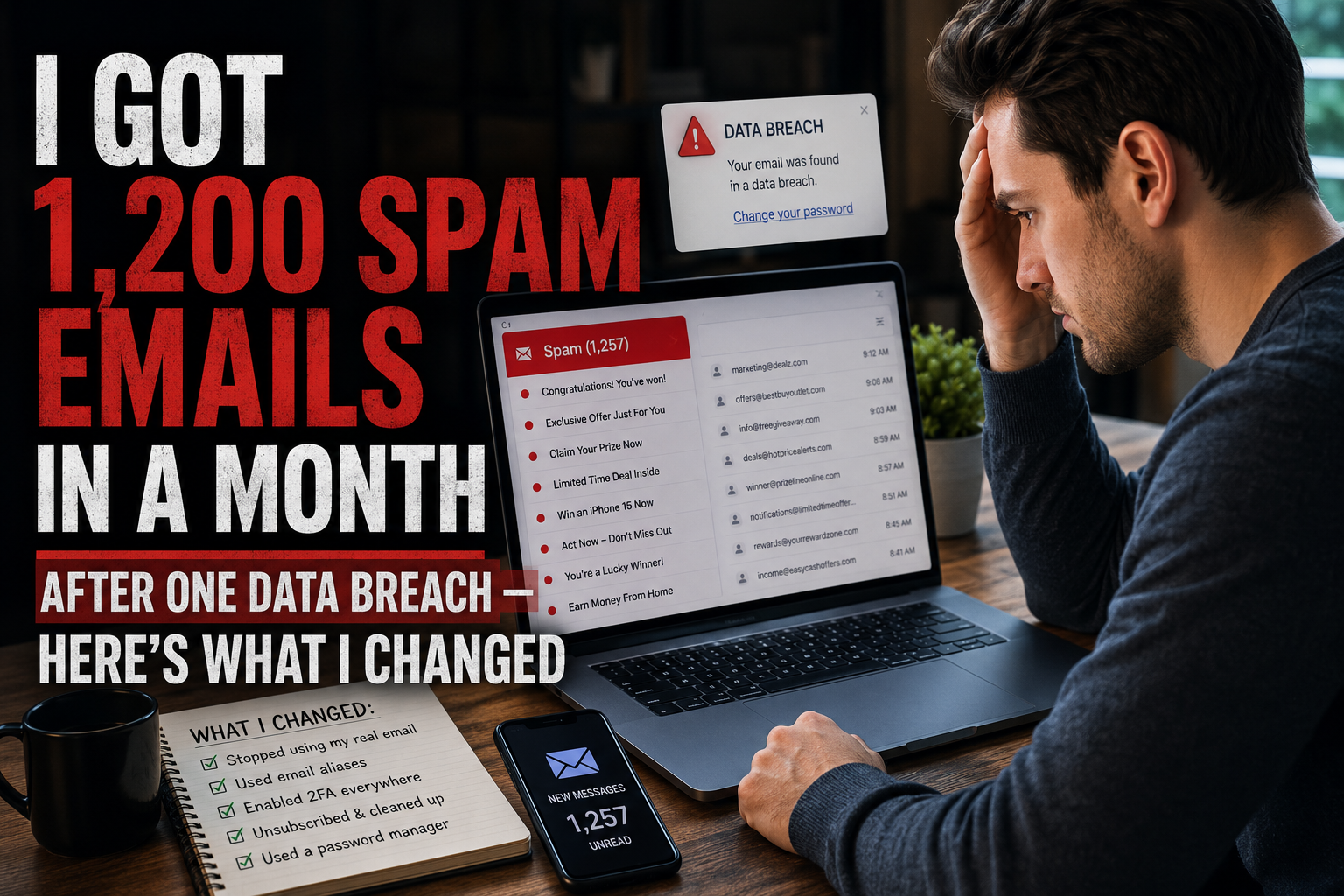
It started with a single email from a company I'd almost forgotten about.
"We are writing to inform you that a security incident has affected some of our user data, including email addresses and hashed passwords."
I'd signed up for their platform two years earlier to test a project management app. Used it for maybe three days. Never went back. But I'd registered with my primary Gmail address — the same one connected to my bank, my freelance clients, and every important account I own.
Within a week of that breach notification, the spam started. Not the normal promotional kind I could ignore. A flood. Insurance offers. Crypto scams. Fake invoice attachments. Phishing emails disguised as Amazon delivery alerts. "Your account has been compromised" messages from banks I don't even use.
I counted everything for 30 days. The total: 1,247 unsolicited emails. From an app I used for three days.
That experience rewired how I think about email, online accounts, and the invisible cost of being careless with digital identity. This is the full story — what happened, why it happened, and the system I built afterward so it never happens again.
Week One: The Slow Realization
The breach notification arrived on a Tuesday. I read it, felt vaguely annoyed, and moved on. Most people do. We've all gotten breach notifications by now — they've become background noise in our inboxes.
But by Thursday, something felt off. My spam folder was unusually active. Gmail caught most of it, but a few messages were landing in my primary inbox. A "security alert" from a company that looked like PayPal but wasn't. An email about an "unclaimed package" with a tracking link. A "subscription confirmation" for a newsletter I'd never heard of.
By the following Monday, I was getting 15-20 spam emails daily that I'd never seen before. Not gradual growth — a sudden spike. My email address had clearly hit a new list.
I checked Have I Been Pwned. My address showed up in the fresh breach — and 13 previous ones I'd never been notified about. Thirteen. My email had been circulating in leaked databases for years without my knowledge. This latest breach just handed it to a new set of spammers who hadn't had it before.
Week Two: When Spam Becomes Dangerous
By week two, the volume had doubled. Forty-plus spam messages per day. But the nature of the emails had shifted too. They were getting personal.
One email addressed me by my first and last name — information that was part of the breach data. Another referenced a city I'd lived in, pulled from a different breach. A phishing email mimicked the exact visual layout of my actual bank's email notifications, including the correct logo and color scheme.
This is what people don't understand about data breaches. It's not just your email that leaks. It's your email plus your name plus your location plus whatever else that company stored about you. And when data from multiple breaches gets combined — which it does, because data brokers merge leaked databases — the composite profile becomes detailed enough for sophisticated phishing.
I nearly clicked a fake invoice email during this period. It looked legitimate. It was addressed to me by name. The "invoice" referenced a service in my industry. The only thing that stopped me was the sender's email domain — one character off from the real company. One character. That's how close it gets.
Week Three: The Inbox Recovery Attempt
At this point, I decided to fight back. I spent an entire Saturday morning on inbox damage control. Here's what I tried.
Mass unsubscribing. I went through every marketing email in my inbox and hit unsubscribe on anything I didn't actively want. Roughly 60 unsubscribes in one sitting. This helped with the legitimate marketing clutter but did absolutely nothing about the spam — because spam doesn't have real unsubscribe links. The "unsubscribe" buttons in spam emails are often tracking mechanisms that confirm your address is active.
Aggressive filtering. I built Gmail filters targeting common spam phrases, suspicious domains, and sender patterns. I created about 25 filters in one session. This caught maybe 30% of the new spam that was slipping past Gmail's built-in filter.
Reporting spam. I reported every single spam message to Gmail. This gradually improved Gmail's filtering for my specific inbox, but the volume kept coming because spammers rotate sender addresses and domains faster than filters can adapt.
Changing passwords. I updated passwords on every important account linked to my email. This didn't reduce spam, but it addressed the credential-stuffing risk from having my email exposed in breaches.
After a full weekend of work, the spam was more manageable but far from gone. I'd reduced what I saw in my primary inbox, but the underlying problem — my email address living on spam lists — was permanent.
Week Four: The Uncomfortable Math
By the end of month one, I sat down and calculated the actual cost of this experience.
Time spent dealing with spam: roughly 8 hours across the month — filtering, unsubscribing, reporting, checking suspicious emails carefully before interacting with them.
Mental load: constant low-level anxiety about which emails were real and which were phishing. I started second-guessing legitimate emails from my bank and clients because my trust in my own inbox had eroded.
Near-miss phishing incident: one. That fake invoice email. If I'd been distracted or rushed, I would have clicked it. The potential cost of that single click — compromised banking credentials, stolen identity, financial fraud — is incalculable.
Root cause: a three-day trial of an app I forgot about, registered with an email address I use for everything.
The math was clear. One careless signup cost me hours of cleanup, weeks of anxiety, and a near-miss security incident. And the spam from that breach still hasn't fully stopped. My address is on those lists permanently.
What I Built After: A System That Actually Prevents This
The cleanup phase taught me something important: reactive email management doesn't work. Filters, spam reports, and unsubscribes are all responses to damage that's already done. The only thing that actually works is preventing your real email from reaching these databases in the first place.
Here's the system I built over the following weeks. It's not complicated. It doesn't require technical knowledge. And it's reduced my spam to near-zero.
The Three-Envelope System
I think of email addresses like envelopes. Different envelopes for different purposes.
Envelope One: The Vault. This is my primary email address. It's used for exactly four categories: banking and financial services, government and official documents, close personal contacts, and my primary work communications. Nothing else gets this address. Period. It touches maybe 15 accounts total, and every single one is a high-trust relationship.
Envelope Two: The Workhorse. This is a secondary email (a separate Gmail account) used for online shopping I do regularly, streaming subscriptions, social media profiles, and services I use frequently. If this gets breached, the blast radius is limited to marketing spam — annoying but not dangerous. It doesn't connect to anything financial or identity-critical.
Envelope Three: The Burner. This is where the real change happened. For every other online interaction — free trials, one-time downloads, Wi-Fi logins, webinar registrations, forum accounts, quotation requests, app testing, any signup where I don't expect an ongoing relationship — I use an inbox that self-destructs after I'm done with it. No registration, no passwords, no data trail. I get whatever I need from the signup and the address ceases to exist.
The beauty of Envelope Three is that it can't be breached because it doesn't persist. If the company I signed up with gets hacked next year, the email address in their database points to nothing. Spammers who buy that list get a dead end.
Why Three Envelopes Instead of Two
Most advice tells you to have a "main email" and a "junk email." I tried that for years. The problem is that the "junk email" still accumulates everything. It becomes a secondary spam dump that you occasionally have to wade through to find a specific message.
The three-envelope approach fixes this by separating "services I use regularly but don't fully trust" (Envelope Two) from "interactions I'll never revisit" (Envelope Three). The first is an address you manage and filter. The second is an address that manages itself by ceasing to exist.
Six Months Later: The Results
I've been running this system for over six months. Here's what changed.
Vault email (Envelope One): Receives 5-8 emails per day. All of them are legitimate. Zero spam. Zero marketing. Opening my primary inbox is now a clean, stress-free experience.
Workhorse email (Envelope Two): Receives 15-25 emails per day. Some marketing from stores and services I actually use. Occasional spam from past signups before I implemented the system. Manageable with basic filters.
Burner addresses (Envelope Three): I've used throwaway addresses for roughly 80-90 interactions over six months. None of those signups have generated a single piece of follow-up spam in my real inbox. Because they can't. The addresses don't exist anymore.
Total spam reaching my primary inbox per month: zero to two messages, down from 1,200+ at the peak. That's not an exaggeration. The difference is that dramatic.
The Lessons That Stick With Me
This experience taught me things I couldn't have learned from reading about email security in the abstract. Some of them might sound obvious. They weren't, until I lived them.
Lesson 1: Breach Notifications Are the Tip of the Iceberg
That project management app wasn't the first company to leak my data. It was just the first one that told me about it during a period where I was paying attention. My email had been in 13 previous breaches. Thirteen companies had leaked my address without me noticing any change in spam volume — because the spam was gradual enough to blend into normal inbox noise.
Most people have no idea how many breaches their email has been exposed in. Check Have I Been Pwned. The number will probably shock you.
Lesson 2: Spam Volume Compounds, It Doesn't Stay Flat
Each breach adds your email to new lists. Those lists get sold, resold, merged, and redistributed. Over time, the number of spammers who have your address only grows. It never shrinks. You can't remove yourself from leaked databases. The only fix is to limit which email address ends up in vulnerable databases in the first place.
Lesson 3: The Real Danger Isn't Spam — It's Targeted Phishing
Spam is noise. Phishing is a weapon. When breach data includes your name, location, and the services you've used, attackers can craft emails that look almost identical to real communications. That fake invoice I nearly clicked wasn't a lucky guess — it was built from data that multiple breaches had made available about me.
The financial and identity damage from one successful phishing attack dwarfs any inconvenience from spam. This is the risk that makes email protection worth taking seriously.
Lesson 4: Five Minutes of Prevention Beats Five Hours of Cleanup
My Saturday morning inbox cleanup took roughly five hours. Setting up the three-envelope system took about 30 minutes. And every throwaway address I've used since then takes about 10 seconds — open a new one, copy it, paste it, done. The prevention math is overwhelmingly in favor of acting before the damage happens.
Lesson 5: The Companies That Get Breached Are Never the Ones You'd Expect
The app that leaked my data wasn't some sketchy startup. It was a moderately well-known productivity company with millions of users and (presumably) a security team. Breaches don't happen only to careless companies. They happen to companies that have a single vulnerability in their infrastructure — a misconfigured server, an unpatched dependency, a social engineering attack on an employee.
You can't predict which company will be breached next. You can only control what data they have about you when it happens.
A Reality Check: This System Isn't About Paranoia
I want to be clear about something. I'm not a security researcher. I'm not a privacy activist. I'm a regular person who had a bad experience and built a practical system to prevent it from happening again.
This isn't about being paranoid. I still shop online. I still sign up for new services. I still use the internet the same way everyone else does. The only difference is that I now have a two-second mental checkpoint before every signup: "Does this form get my real email or a throwaway?"
For banking, yes — real email. For a project management app I'm testing for three days? No. For a webinar registration? No. For a coupon code? No. For a Wi-Fi login at an airport? Definitely not.
That one habit — pausing for two seconds and choosing which envelope to use — is the difference between an inbox that works for me and an inbox that works against me.
What I'd Tell My Pre-Breach Self
If I could go back and talk to the version of me who casually typed his primary email into that project management app's signup form, I'd say three things.
First: that email address is the key to your entire digital life. Treat it that way. Don't hand it out like a business card at a networking event. Be selective. Be deliberate. Every form you type it into is a potential leak point.
Second: the cost of carelessness isn't visible until it's too late. There's no warning before a breach. No notification before your address hits a spam list. No alarm bell before a phishing email lands in your inbox looking exactly like a real message from your bank. By the time you realize the damage, you're already in cleanup mode.
Third: the fix is embarrassingly simple. You don't need fancy software. You don't need a cybersecurity degree. You need three email addresses and the discipline to use the right one for each situation. The time investment is measured in seconds per signup. The return is measured in years of clean, safe inbox experience.
If You're Dealing With This Right Now
Maybe you're reading this because you just got a breach notification. Or maybe your spam has spiked recently and you're trying to figure out why. Either way, here's the emergency playbook.
Immediate steps (do today): Change the password on every account that uses the breached email — especially banking, email, and social media. Enable two-factor authentication on every account that offers it. Report phishing emails rather than just deleting them.
Short-term steps (this week): Run your email through Have I Been Pwned to see the full picture. Set up Gmail/Outlook filters to catch common spam patterns. Unsubscribe from every legitimate mailing list you don't actively read.
Long-term steps (this month): Build your own version of the three-envelope system. Move your important accounts to a clean, protected primary address. Start using throwaway addresses for every low-stakes signup going forward.
The spam from your current breach won't disappear overnight. But you can stop the next breach from mattering. And the one after that. And every one after that. Because the address that gets leaked will be one that no longer exists.
The Inbox You Deserve
There's something I didn't expect when I implemented this system: it changed how I feel about email.
Before the breach, opening my inbox was a chore. A scroll through noise to find the signal. Every morning started with deleting, filtering, and mentally sorting through messages I never asked for. It was exhausting in a small, constant way that I'd become so used to I didn't even notice it anymore.
Now, opening my inbox feels calm. There are 5-8 messages. All of them are for me. All of them matter. No noise, no mental filtering, no anxiety about whether that "urgent account alert" is real or fake.
That's what email is supposed to feel like. Not a battlefield. Not a chore. Just a communication channel between you and the people and services you actually choose to hear from.
You can have that too. It takes 30 minutes to set up and 10 seconds per signup to maintain. The breach I went through was painful. But the system it forced me to build has been one of the best quality-of-life improvements I've made in years.
Don't wait for your own breach notification to make the change. Set it up now. Your future self will be grateful.